Online appointment booking
Let patients ask for an appointment from your own website
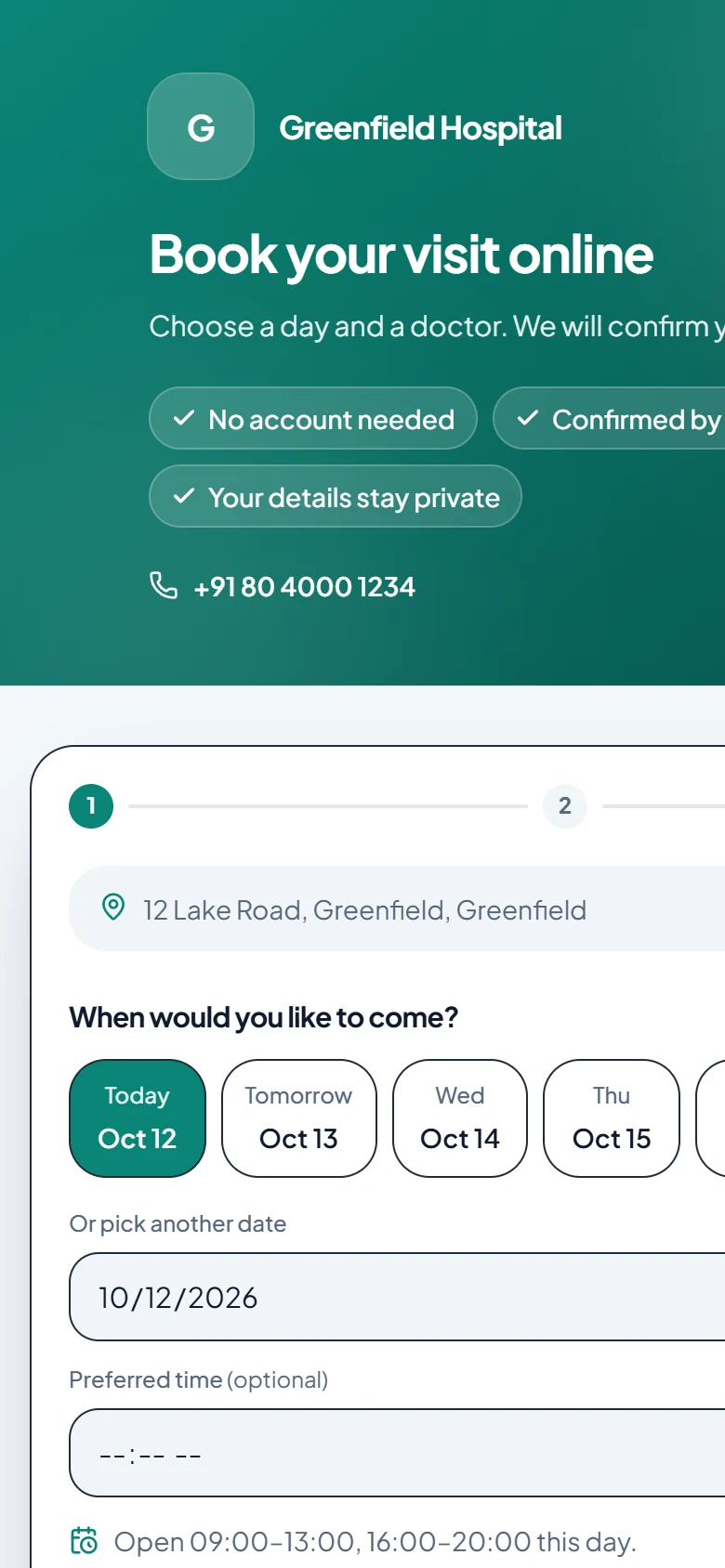
Every hospital gets its own booking page, in its own colours. Patients choose a day and a doctor, confirm their email, and the request lands in your front desk’s queue. Your team confirms a time or declines with a proper message, and the patient is emailed in your hospital’s name.
- Your colours and wording
- Patients verify their email
- You confirm every request
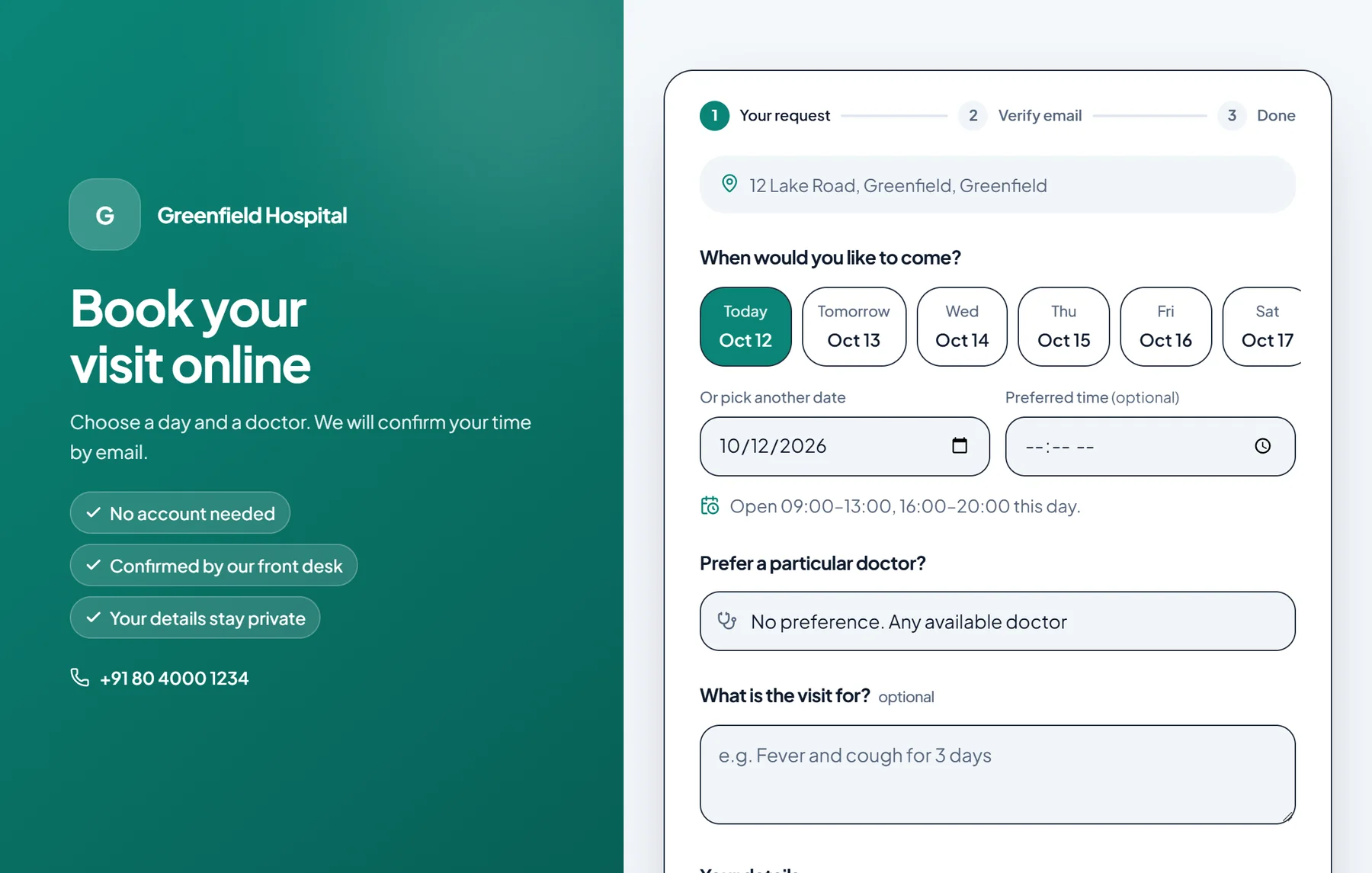
A booking page that looks like your hospital, not like ours
Choose a layout, your brand colour and your wording, add your logo and a short notice. The page shows your OPD hours so patients ask for times you are actually open, and you decide whether it shows your phone number and address.
- Three layouts, and light, dark or automatic appearance
- Your headline, introduction, highlights and button text
- Open hours worked out from each branch and each doctor’s own schedule
- Works on a phone as comfortably as on a computer
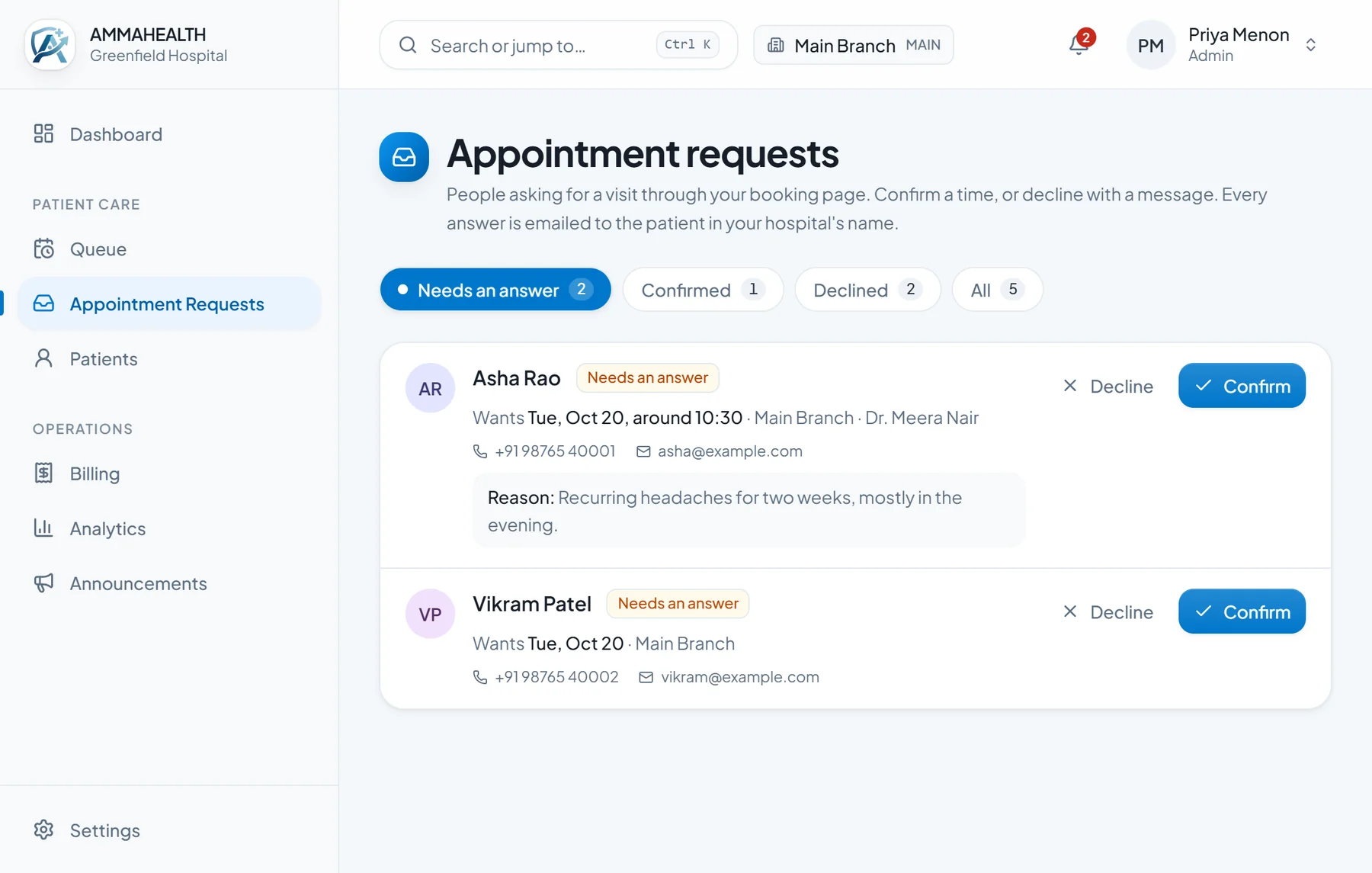
Nothing is booked until your front desk says so
A request is not an appointment. It waits in a queue where your team picks a doctor and an open time slot to confirm, which books a real appointment, or declines with a short reason. The patient gets an email either way.
- The time the patient asked for is pre-selected when it is still free
- Decline in one tap with ready-made reasons, or write your own message
- Emails carry your hospital’s name, logo, phone number and colours
- Requests from your website show up on the dashboard so none are missed
Careful with who is on the other end
A patient has to confirm their email with a one-time code before a request reaches your queue, which keeps out typing mistakes and bots. Nothing is sent to the hospital until they do.
- One-time email code before a request is accepted
- You can switch the page off whenever you like
FAQ
Questions people ask
- Do patients need an account?
- No. They fill in a short form and confirm their email with a one-time code. There is nothing to sign up for.
- Can we link it from our own website?
- Yes. Your booking page has its own address, which you can put behind a “Book an appointment” button on your hospital’s website or share on WhatsApp.
- Does an online request book the slot automatically?
- No, by design. A request waits for your front desk, who choose the doctor and an open time. That keeps your schedule in your hands.
- Which plans include it?
- Call us and we will tell you what is included in each plan today; the pricing page lists the plans.